
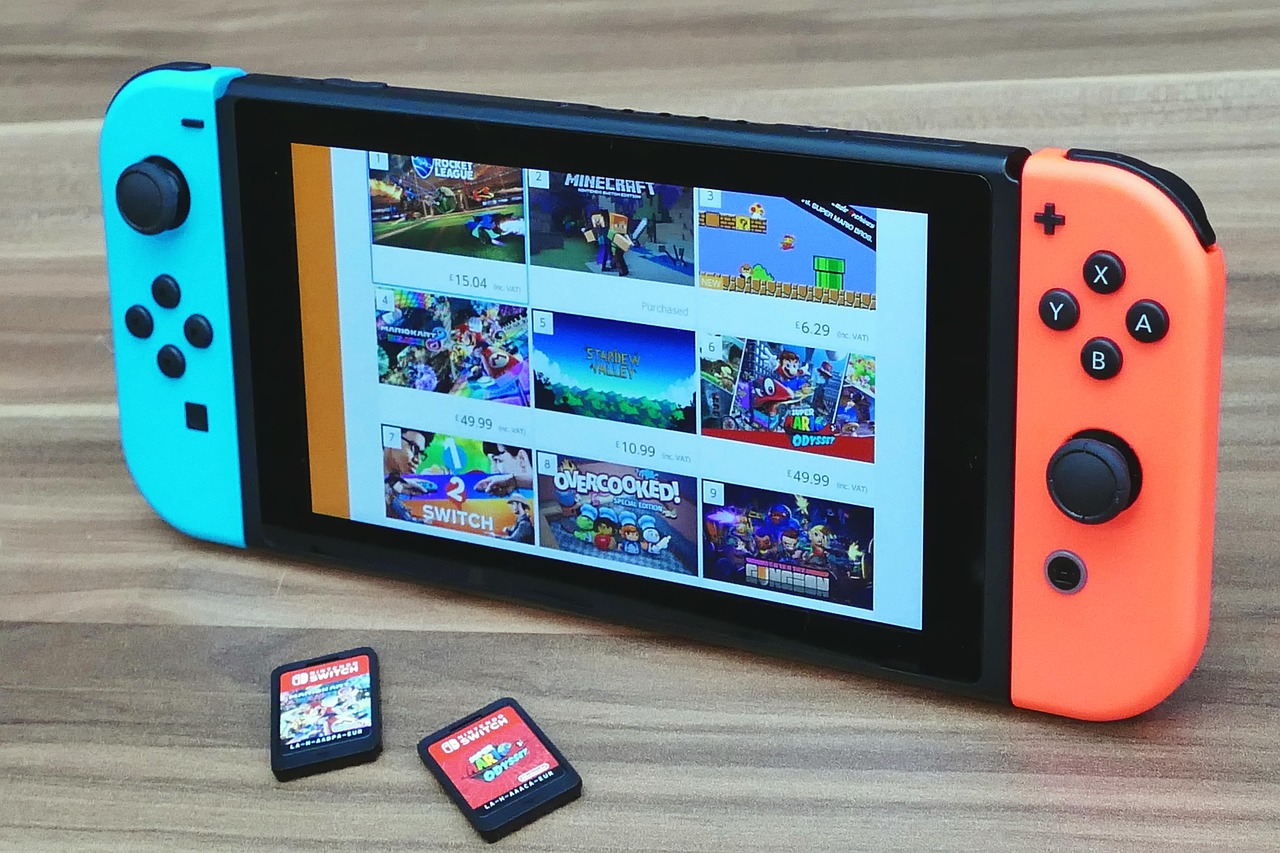
In the vibrant world of video games, few names resonate as strongly as Nintendo. From the groundbreaking Nintendo Entertainment System to the universally beloved Nintendo Switch, their consoles and games have brought joy to generations. However, even the most cherished gaming experiences can hit a snag. Whether it’s a malfunctioning Joy-Con, a perplexing error code, or a question about your Nintendo account, knowing how to access reliable Nintendo support is crucial for getting back to your adventures. This comprehensive guide will walk you through everything you need to know about Nintendo’s customer service, ensuring you have the tools to troubleshoot and resolve any issue efficiently.
When you encounter a problem, your first step should always be to consult Nintendo’s official resources. They offer a wealth of information designed to help you resolve common issues without needing to speak to a representative directly.
The Nintendo Support Website: Your First Stop
The official Nintendo Support website is an extensive knowledge base, packed with articles, FAQs, and troubleshooting guides. It’s meticulously organized to help you find answers quickly.
-
- Comprehensive FAQs and Troubleshooting Guides: Find solutions for topics ranging from console setup and connectivity issues to error codes and game-specific problems. For example, if your Nintendo Switch isn’t connecting to Wi-Fi, you’ll find step-by-step instructions to diagnose and fix the problem.
-
- Product Manuals: Access digital versions of manuals for your consoles and accessories, which often contain crucial setup and usage information.
-
- Software Updates: Stay informed about the latest system updates for your console, which often include bug fixes and performance enhancements.
Actionable Tip: Utilize the search bar effectively. Instead of vague terms, use specific keywords like “Nintendo Switch Joy-Con drift” or “error code 2124-0200” to pinpoint relevant articles faster.
Direct Contact Options for Personalized Assistance
Sometimes, a direct conversation with a support agent is necessary. Nintendo provides several avenues for one-on-one assistance.
-
- Phone Support: For urgent or complex issues, speaking to a representative over the phone is often the most efficient method. Nintendo’s customer service lines are staffed by knowledgeable agents who can guide you through advanced troubleshooting or initiate repair processes.
- Practical Example: If your Nintendo Switch won’t power on after trying basic troubleshooting, calling support allows an agent to walk you through more advanced steps or determine if a repair is needed.
- Live Chat: For less urgent queries or when you prefer typing, live chat can be a convenient option. It allows for quick back-and-forth communication without the commitment of a phone call. (Availability may vary by region and time.)
- Email/Webform Support: For non-urgent issues or when you need to provide detailed information or attachments, submitting a support request via email or a webform is ideal. You’ll typically receive a response within a specified timeframe.
Actionable Tip: Before contacting Nintendo support, have your console’s serial number, purchase date, and a clear, concise description of the issue ready. This significantly speeds up the process.
Common Support Scenarios & Solutions
Nintendo products are generally robust, but like any electronics, they can encounter issues. Here’s a look at common problems and how Nintendo support can help.
Troubleshooting Your Console (e.g., Nintendo Switch)
Many common issues can be resolved with a bit of troubleshooting, often guided by Nintendo’s online resources or a support agent.
-
- Joy-Con Drift: A widely reported issue where the analog sticks register movement without input.
- Solution: Nintendo offers specific repair services for Joy-Cons experiencing drift, often outside of the standard warranty period in some regions. The support website provides clear instructions on how to initiate a repair.
- System Not Powering On: A dead battery or a system crash can prevent your console from turning on.
- Solution: Try holding the POWER Button for 12 seconds to force a shutdown, then press it again to restart. Ensure the console is charged using the official AC adapter. If these steps fail, contact support for further diagnosis or repair.
- Game Card/Cartridge Reader Issues: If your console isn’t reading games.
- Solution: Clean the game card/cartridge and the console’s slot carefully. Try other game cards to isolate the issue. If it persists, it might indicate a hardware fault requiring a repair.
Actionable Tip: Always ensure your console’s system software is up to date, as many bugs are resolved through software patches.
Account & Digital Content Issues
Problems related to your Nintendo Account or digital purchases require careful handling to protect your data and investments.
-
- Password Reset & Account Recovery: If you forget your Nintendo Account password or suspect unauthorized access.
- Solution: Use the “Forgot your password?” link on the Nintendo Account website. If you’ve lost access to your linked email, Nintendo support can help verify your identity and restore access.
- eShop Purchase Problems: Issues with downloading games, failed transactions, or incorrect charges.
- Solution: Check your transaction history on your Nintendo Account. If there’s an error, contact support with your transaction details and order number for investigation.
- Lost Save Data: While Nintendo Switch Online offers cloud saves, not all games support it.
- Solution: Ensure you have an active Nintendo Switch Online subscription and that cloud save backup is enabled for supported titles. For data lost due to console malfunction, support can advise on potential recovery options if applicable, though it’s often limited.
Actionable Tip: Enable Two-Step Verification for your Nintendo Account to significantly enhance its security against unauthorized access.
Understanding Nintendo’s Repair Services & Warranty
When troubleshooting isn’t enough, Nintendo’s repair services are designed to get your hardware back in working order.
The Repair Process Explained
Nintendo has a streamlined process for hardware repairs, typically handled through their authorized service centers.
-
- Online Repair Request: Start by visiting the Nintendo Support website and navigating to the ‘Repairs’ section. You’ll fill out a form detailing the issue and providing your console’s serial number.
-
- Shipping Instructions: If a repair is deemed necessary, Nintendo will provide shipping instructions, often including a pre-paid shipping label. You’ll carefully package your device according to their guidelines.
-
- Repair and Return: Once received, Nintendo’s technicians diagnose and repair the issue. You can often track the status of your repair online. After the repair, your device is shipped back to you.
Practical Example: If your Nintendo Switch’s screen is cracked, you’d initiate an online repair request, send the console in, and Nintendo would replace the screen, usually within a few weeks, depending on the severity and parts availability.
Warranty Coverage
Understanding what your warranty covers is vital to avoid unexpected costs.
-
- Standard Warranty: In regions like the US and Canada, new Nintendo consoles typically come with a 12-month limited warranty. Accessories often have a shorter warranty period (e.g., 90 days).
-
- What’s Covered: Defects in materials and workmanship under normal use. For example, if a button stops working without physical damage.
-
- What’s Not Covered: Accidental damage (e.g., drops, liquid damage), normal wear and tear, cosmetic damage, and issues arising from unauthorized modifications. These repairs are typically out-of-warranty and incur a fee.
Actionable Tip: Always keep your proof of purchase (receipt) as it’s essential for verifying warranty coverage. If you purchase from a retailer, register your product online with Nintendo if that option is available in your region.
Out-of-Warranty Repairs
Even if your device is no longer under warranty, Nintendo often provides repair services for a fee.
-
- Cost Estimates: After diagnosing an out-of-warranty issue, Nintendo will typically provide a repair estimate for your approval before proceeding.
-
- Options for Older Hardware: For very old or discontinued consoles, parts may become scarce, limiting repair options. Nintendo support can advise on feasibility.
Tips for a Smooth Support Experience
A little preparation goes a long way in ensuring your interaction with Nintendo support is efficient and effective.
Before You Contact Support
Proactive steps can often resolve issues or, at the very least, prepare you for a productive support call.
-
- Check Official Resources First: Many common problems have already been addressed in Nintendo’s extensive online knowledge base.
-
- Gather Essential Information:
- Your console’s serial number (usually on the bottom or back of the device).
- Your Nintendo Account ID or email.
- Date and place of purchase (for warranty verification).
- A clear, detailed description of the problem, including when it started and any error codes.
- Any troubleshooting steps you’ve already tried.
- Perform Basic Troubleshooting:
- Restart your console.
- Check all cables and connections.
- Ensure your system software and game software are fully updated.
- Try a different power outlet or charging cable.
Actionable Tip: Take notes as you troubleshoot, documenting each step you’ve taken and the results. This information is invaluable to a support agent.
During Your Interaction with Support
A polite and clear approach can make your support experience much better.
-
- Be Patient and Polite: Support agents are there to help, and a respectful interaction often leads to better outcomes.
-
- Clearly Articulate the Problem: Explain the issue concisely and provide all relevant details you gathered beforehand.
-
- Follow Instructions Precisely: The agent may ask you to perform certain steps. Follow them carefully and report the exact results.
-
- Note Down Reference Numbers: Always ask for a case number or reference number. This is crucial if you need to follow up or speak to a different agent later.
Beyond Official Channels: Community & Resources
While official support is paramount, the wider Nintendo community can also be a valuable resource for insights and quick tips.
Nintendo’s Social Media Presence
Nintendo maintains active social media channels which are great for staying informed.
-
- Updates and Announcements: Follow official Nintendo accounts on platforms like Twitter or Facebook for news, system updates, and service advisories (e.g., eShop maintenance).
-
- Limited Direct Support: While you might occasionally get a generic response, social media channels are generally not designed for detailed technical support or repair requests. Always use official contact methods for personal assistance.
Fan Communities and Forums
Dedicated fan communities can offer a wealth of user-generated knowledge and shared experiences.
-
- Reddit Communities: Subreddits like r/NintendoSwitch, r/Nintendo, or r/JoyConRepair often have users discussing common issues and sharing solutions that worked for them.
-
- Gaming Forums: Various gaming forums host sections dedicated to Nintendo products where you can find troubleshooting advice from other players.
-
- Caveat: Remember that advice from unofficial sources should be taken with a grain of salt. Always cross-reference with official Nintendo support or use these communities primarily for information gathering rather than critical repair advice.
Actionable Tip: Before posting in a forum, use its search function. Your question might have already been answered by another user.
Conclusion
Experiencing an issue with your Nintendo device can be frustrating, but knowing that robust Nintendo support is readily available provides peace of mind. By leveraging the comprehensive official website, utilizing direct contact options effectively, and understanding the repair and warranty processes, you can navigate any challenge with confidence. Remember to gather information, troubleshoot proactively, and always engage with Nintendo’s customer service channels for the most reliable and secure solutions. With these tips, you’ll spend less time troubleshooting and more time enjoying the magic of Nintendo’s captivating worlds.