
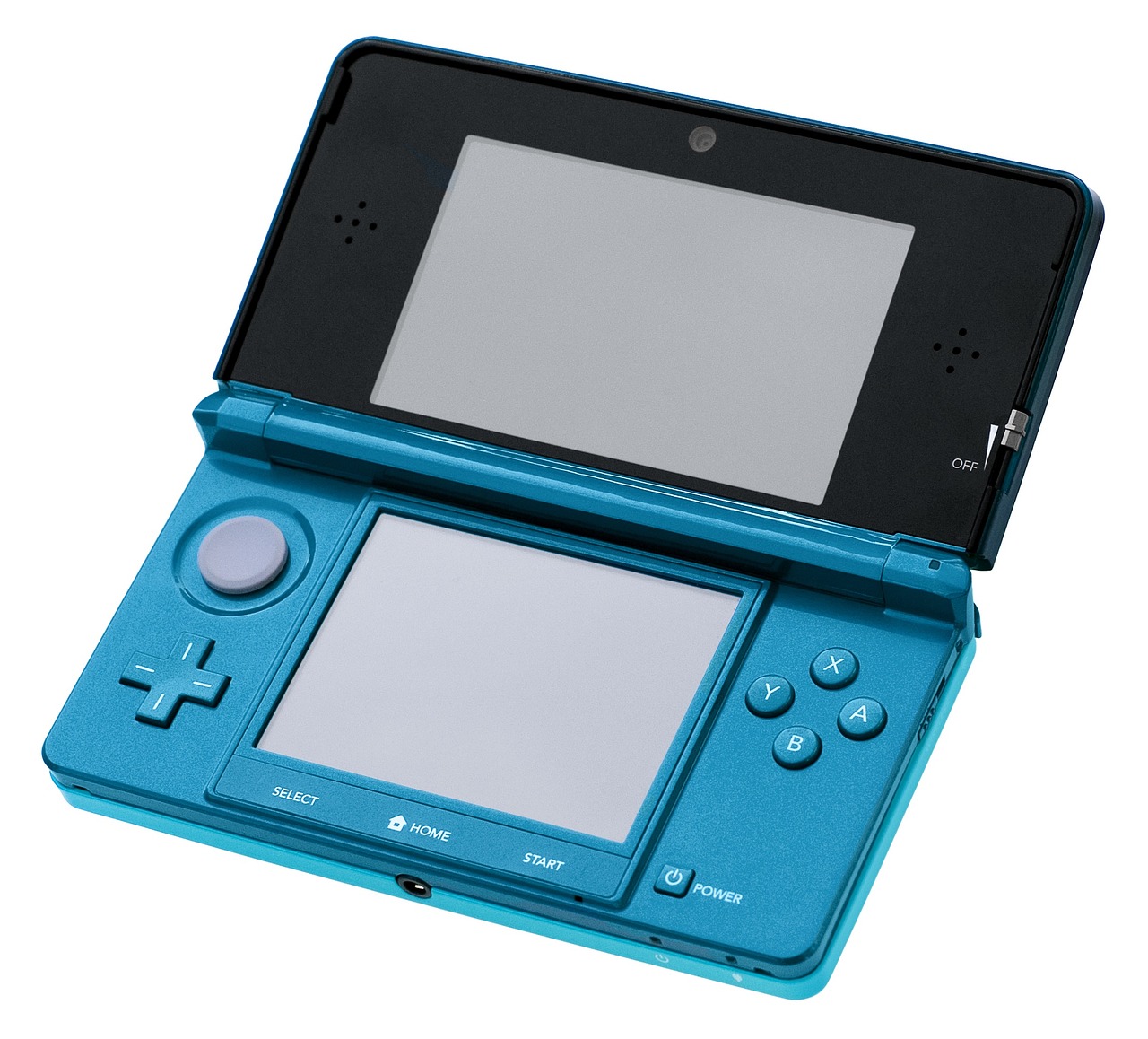
In the vibrant universe of Nintendo gaming, from the captivating adventures on the Nintendo Switch to the timeless classics on the Wii U and Nintendo 3DS, there’s one essential key that unlocks a world of digital possibilities: the Nintendo Account. Far more than just a login, your Nintendo Account serves as your personalized gateway to the eShop, online multiplayer, cloud saves, exclusive rewards, and a host of other features designed to enhance your gaming journey. If you’re looking to dive deeper into the Nintendo ecosystem, manage your digital purchases, or simply get the most out of your console, understanding and utilizing your Nintendo Account is paramount. Let’s explore everything you need to know about this indispensable tool.
A Nintendo Account is your unified digital identity across various Nintendo services and devices. It’s a free, essential registration that links your gaming activity, digital purchases, and personal settings to a single profile. Unlike older systems that might have relied solely on console-based profiles, the Nintendo Account ensures your data and access are portable and secure, residing in the cloud rather than tied to a specific hardware unit.
The Unified Nintendo ID
Think of your Nintendo Account as your passport to the Nintendo universe. It streamlines your experience by:
-
- Consolidating Digital Purchases: All digital games and DLC bought from the Nintendo eShop are tied to your account, not just your console. This means if you upgrade or replace your Nintendo Switch, you can easily redownload your purchased titles.
-
- Connecting Across Devices: While primarily associated with the Nintendo Switch, your Nintendo Account can also be linked to Wii U and Nintendo 3DS systems (often in conjunction with a Nintendo Network ID), as well as various Nintendo mobile applications like Mario Kart Tour and Animal Crossing: Pocket Camp.
-
- Personalizing Your Experience: It stores your preferences, friend lists, and play activity, offering a more tailored and continuous gaming experience across platforms.
It’s important to note that a Nintendo Account is distinct from a Nintendo Network ID (NNID), which was primarily used for Wii U and 3DS. While you can link an NNID to a Nintendo Account, the Nintendo Account is the newer, overarching system.
Why You Need a Nintendo Account
Having a Nintendo Account isn’t just about convenience; it’s a necessity for unlocking the full potential of your Nintendo console and the broader gaming ecosystem. Without one, many core features remain inaccessible.
Access to the Digital Storefront and Online Play
The most immediate and compelling reasons to create a Nintendo Account revolve around digital content and connectivity:
-
- Nintendo eShop Access: This is your digital portal for purchasing and downloading games, demos, add-on content, and even free-to-start titles. Your Nintendo Account stores your purchase history and allows for easy redownload of titles on any linked console.
-
- Nintendo Switch Online (NSO) Membership: Required for most online multiplayer gaming on the Switch, NSO also grants you access to a growing library of classic NES, Super NES, Nintendo 64, Game Boy, and Sega Genesis games, as well as the invaluable Save Data Cloud backup service.
-
- Cloud Saves: For NSO members, your game save data can be automatically backed up to the cloud. This protects your progress against console damage or loss and allows you to transfer saves between different Switch consoles effortlessly.
My Nintendo Rewards and Family Management
Beyond gaming, a Nintendo Account offers benefits that extend into rewards and account control:
-
- My Nintendo Rewards Program: Earn Gold Points for digital purchases on the eShop (or physical game purchases if registered within a year of release) and Platinum Points for playing Nintendo mobile games or completing web missions. These points can be redeemed for discounts on digital games, exclusive digital items, or physical merchandise. For example, accumulating enough Gold Points can significantly reduce the price of your next digital game.
-
- Parental Controls: For families, a Nintendo Account allows parents or guardians to set up a Family Group. This enables comprehensive parental controls, including managing playtime, restricting software by age rating, limiting eShop purchases, and controlling communication features for child accounts. This is invaluable for ensuring a safe and balanced gaming environment.
-
- Mobile Game Connectivity: Link your Nintendo Account to games like Pokémon GO, Fire Emblem Heroes, and Mario Kart Tour to earn My Nintendo Platinum Points and unlock special in-game bonuses or link game data.
Setting Up Your Nintendo Account
Creating a Nintendo Account is a straightforward process, whether you’re doing it from a web browser or directly on your Nintendo Switch console. It’s the first step to unlocking all the features mentioned above.
Step-by-Step Account Creation
You can create a Nintendo Account in two primary ways:
-
- Via Web Browser (Recommended):
- Go to accounts.nintendo.com.
- Click “Create a Nintendo Account.”
- Choose “For myself” or “For a child under 13” (if you are creating one for a minor).
- Fill in the required information: Nickname, email address, password, date of birth, gender, and country/region of residence. Ensure your date of birth is accurate, as it affects age-restricted content.
- Agree to the Nintendo Account Agreement and Privacy Policy.
- A verification code will be sent to your registered email address. Enter this code on the Nintendo Account website to complete the process.
- Directly on Your Nintendo Switch:
- From the HOME Menu, select System Settings > Users > Add New User.
- Follow the on-screen prompts to create a new user profile.
- When prompted, link this new user profile to a Nintendo Account. You’ll have the option to “Sign In” with an existing account or “Create New Account.”
- If creating a new one, you’ll be redirected through a simplified web-based creation process on your console’s browser.
Practical Tip: Always use an email address you regularly access for your Nintendo Account, as this will be used for verification, password resets, and important communications from Nintendo.
Linking Your Account to Your Nintendo Switch
Once your Nintendo Account is created, you need to link it to a user profile on your Nintendo Switch. Each user profile on a Switch can be linked to one Nintendo Account. If you created the account directly on your Switch, it will already be linked. If you created it via a web browser:
-
- From the HOME Menu, select System Settings > Users > [Your User Name] > Link Nintendo Account.
-
- Follow the on-screen instructions to sign in with your email address/login ID and password.
This linkage is crucial for accessing the eShop, online play, and your digital library.
Managing Your Nintendo Account Effectively
Once your Nintendo Account is set up, understanding how to manage its settings, security, and linked services is vital for a smooth and secure gaming experience.
Enhancing Account Security
Protecting your Nintendo Account is paramount, especially as it stores your digital purchases and potentially payment information. Nintendo offers robust security features:
-
- Two-Step Verification (2SV): This is highly recommended. By enabling 2SV, you’ll need to enter a code from an authenticator app (like Google Authenticator) in addition to your password when logging in.
- Log in to your Nintendo Account via a web browser.
- Go to “Sign-in and Security Settings.”
-
- Select “Two-Step Verification” and follow the instructions to set it up using an authenticator app on your smartphone.
- Strong Passwords: Always use a unique, complex password for your Nintendo Account.
- Regularly Review Activity: Periodically check your purchase history on the eShop or your account activity to ensure no unauthorized transactions have occurred.
Payment Methods and Purchase History
Managing your financial aspects is easy through your Nintendo Account settings:
-
- Adding Payment Methods: You can link credit cards (Visa, Mastercard, American Express, Discover) or a PayPal account to your Nintendo Account for quick eShop purchases.
- On your Nintendo Switch, access the eShop.
- Select your user icon in the top-right corner.
-
- Go to “Redeem Code” or “Add Funds” and follow the prompts to add a payment method or apply a Nintendo eShop Card.
-
- Alternatively, manage payment options directly from your Nintendo Account via a web browser.
- Purchase History: Keep track of all your digital transactions. You can view a detailed list of every game, DLC, or subscription purchased through your account on the Nintendo eShop or via your Nintendo Account web page. This is incredibly useful for remembering what you own or verifying recent purchases.
Nintendo Account Family Group
For households with multiple users, the Family Group feature is a game-changer:
-
- Shared Benefits: A Family Group allows you to share a Nintendo Switch Online Family Membership with up to eight accounts, significantly reducing the cost per user.
-
- Parental Controls: As the administrator of a Family Group, you can create and manage child accounts. This includes setting play time limits, restricting content based on age ratings, disabling free communication, and controlling eShop spending for minors. This granular control helps parents tailor the gaming experience for each child.
-
- Easy Management: All members of a Family Group can be managed directly from the administrator’s Nintendo Account page, making it simple to add or remove members and adjust settings.
Maximizing Your Nintendo Account Benefits
Beyond the essentials, your Nintendo Account offers several ways to enrich your gaming experience and even save money. Leveraging these features can turn a good gaming session into a great one.
Leveraging My Nintendo Rewards
Don’t let your My Nintendo Points go to waste! This reward program is a fantastic perk of having a Nintendo Account:
-
- Gold Points: Earn 5% back on digital purchases (eShop) and 1% on physical game purchases (if registered within a year of release). These points can be used like cash towards future eShop purchases. For example, buying a $60 digital game earns you 300 Gold Points, which translates to $3 off your next purchase.
-
- Platinum Points: Acquired through playing Nintendo mobile games (e.g., Super Mario Run, Fire Emblem Heroes) or completing web missions on the My Nintendo website. These can be redeemed for exclusive digital wallpapers, themes, or even physical rewards from the My Nintendo Store (though shipping fees may apply).
-
- Keep an Eye on Offers: Regularly check the My Nintendo website for new rewards and limited-time offers. Nintendo often updates its catalog with new discounts, digital content, and unique merchandise.
Deep Dive into Nintendo Switch Online (NSO)
If you’re an NSO member, your Nintendo Account unlocks a treasure trove of content:
-
- Extensive Classic Game Libraries: Instantly access hundreds of NES, SNES, N64, Game Boy, and Sega Genesis titles. Many of these include online multiplayer functionality for retro gaming with friends.
-
- Exclusive Offers: NSO members often get access to special deals, such as Game Vouchers that let you buy two eligible digital games for a reduced price, or exclusive hardware like the NES, SNES, N64, or Sega Genesis wireless controllers for Switch.
-
- Special Features: Beyond cloud saves, some NSO benefits include access to the Nintendo Switch Online smartphone app for voice chat and game-specific services (like SplatNet 3 for Splatoon 3).
Smart eShop Discoveries
Your Nintendo Account makes navigating the eShop more efficient and rewarding:
-
- Wish List: Add games you’re interested in to your wish list. You’ll receive email notifications when those games go on sale, helping you snag deals on titles you’ve been eyeing.
-
- Demos and Free-to-Start Games: Use your account to download and try out game demos or explore a growing library of free-to-start games before committing to a purchase.
-
- Sales and Discounts: The eShop regularly features sales. Link your account to the Nintendo website and check the “Deals” section frequently to find discounted titles.
Conclusion
The Nintendo Account is much more than a simple login; it’s the central nervous system of your entire Nintendo experience. From safeguarding your digital game library and allowing you to venture into online multiplayer worlds, to earning you valuable rewards and providing robust parental controls, it’s an indispensable tool for every Nintendo enthusiast. By understanding its capabilities and actively managing its features, you can ensure a secure, personalized, and deeply rewarding journey through the captivating realm of Nintendo gaming. So, if you haven’t already, take a few moments to set up and explore your Nintendo Account – it’s your key to unlocking endless fun.